 MINARA
Architecture
How Minara turns a request into a controlled, durable result
Minara Agent is one system with several focused jobs: accept a request, assemble the right context and specialists, keep actions inside their limits, and preserve the record that makes the next decision better.
Architecture at a glance
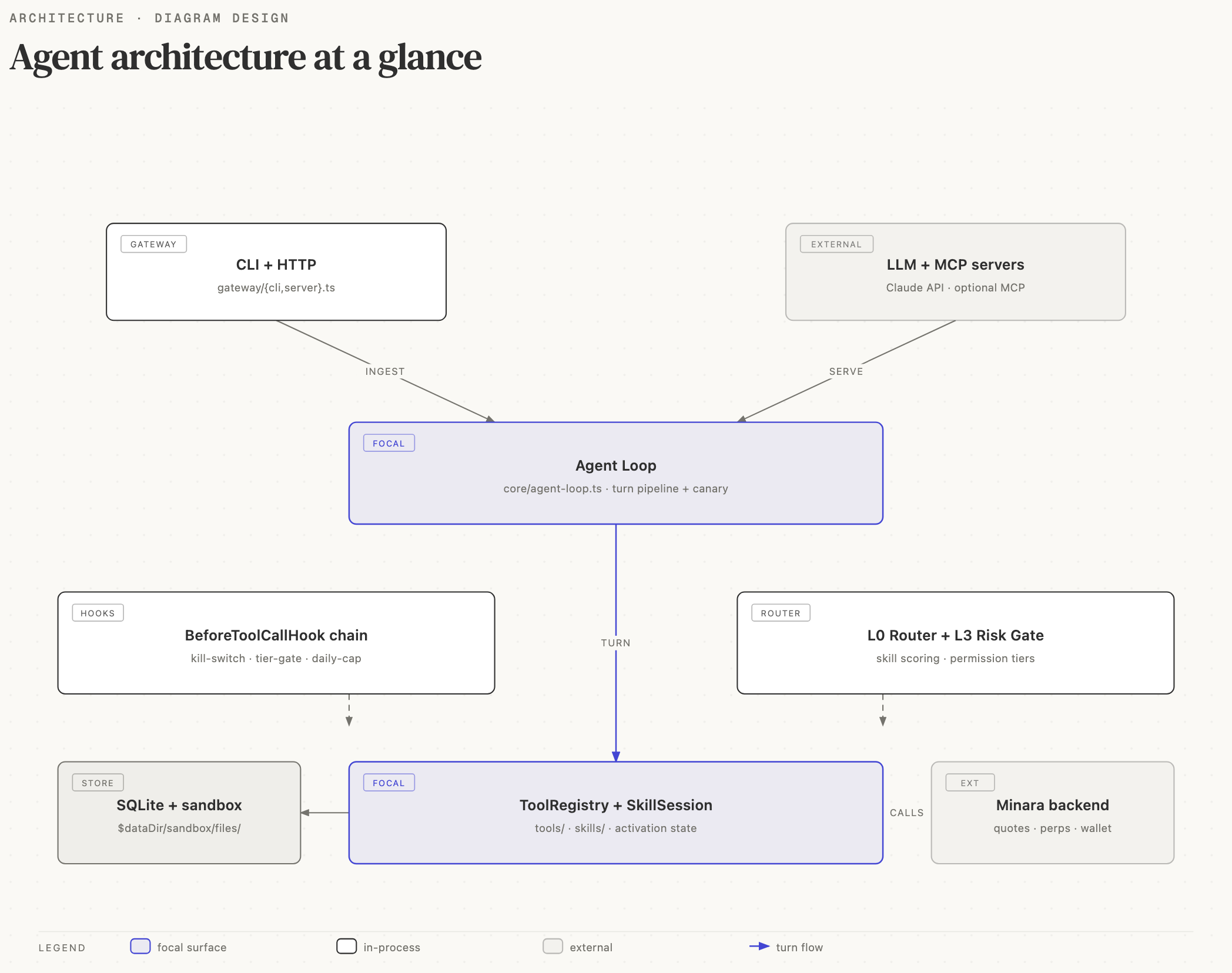
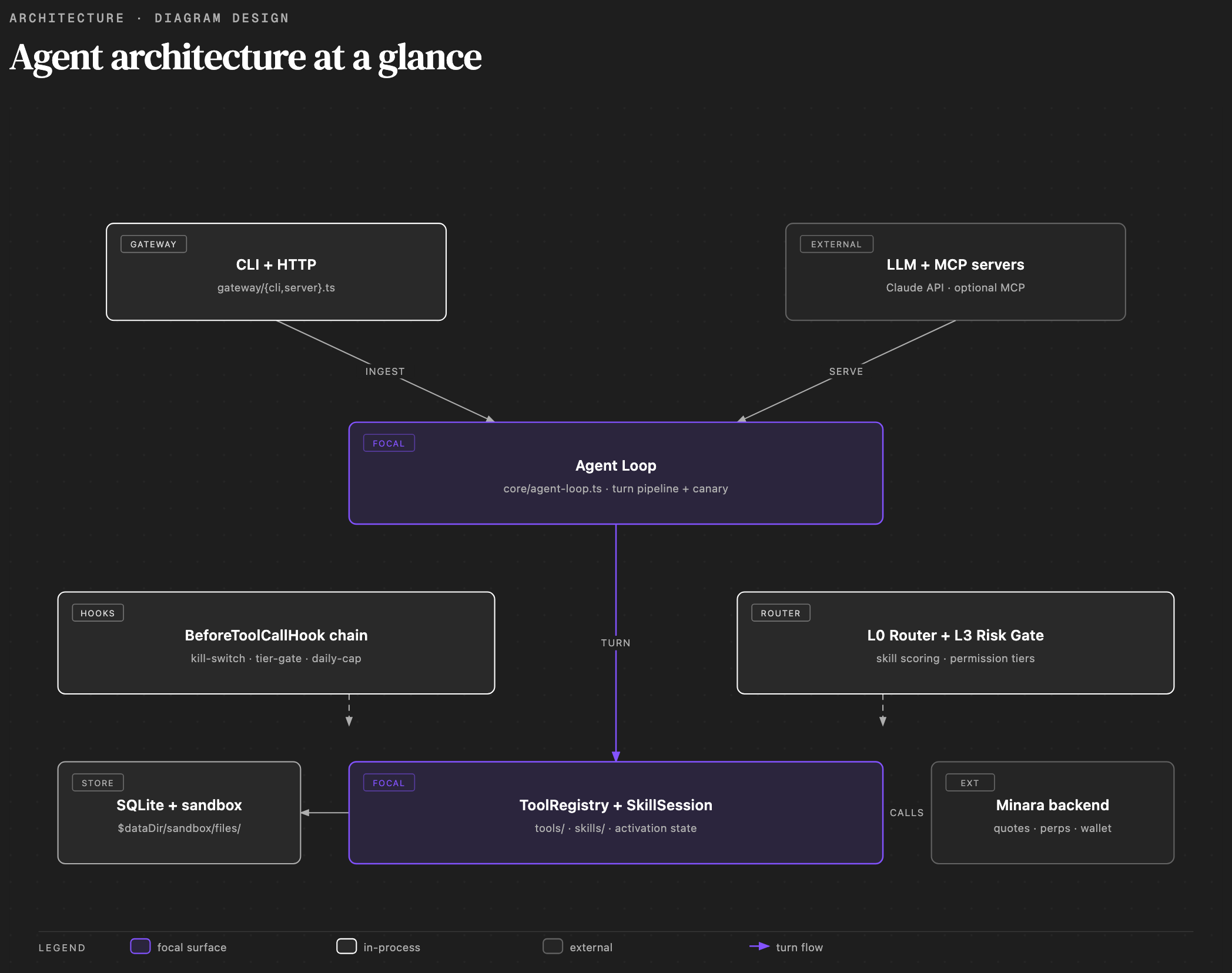
From request to result
- Choose an entry point. Use the desktop app, Web UI, terminal, or a connected messaging surface.
- Build the working context. The runtime reads the session, relevant memory, current preferences, and task signals.
- Compose the work. It selects the skills and specialist roles that fit the task. A higher-stakes decision can add research, challenge, risk, and portfolio perspectives.
- Set the action boundary. Permission levels, risk limits, confirmations, and the emergency stop decide what the agent may do in this turn.
- Call only the needed capabilities. The capability registry exposes approved tools for research, analysis, execution, files, automation, and integrations.
- Persist evidence and outcomes. SQLite keeps the durable record. Learnings and decision reflections can improve later work without changing the underlying model.
What stays local, and what connects outward
SQLite and the workspace hold sessions, audit records, preferences, memory, and learning artifacts in the Minara data directory. This keeps the durable operating state in one place that you can back up and inspect.
The runtime connects outward only when the task calls for it: LLM providers for reasoning, Minara services for market and trading operations, and optional external skill packages or MCP servers. External access does not bypass the local permission model.
Codebase map
| Area | Responsibility |
|---|---|
apps/agent | Agent runtime, gateway, capability registry, skills, safety controls, SQLite-backed state |
apps/web-ui | Browser interface for chat, markets, portfolio, automation, and reviews |
apps/desktop | Self-contained desktop shell that runs the gateway and Web UI together |
packages/* | Shared types, client libraries, UI primitives, hooks, validators, and design tokens |
apps/docs | This documentation site, including localized guides and rendered diagrams |
For a turn-by-turn view, see Agent Loop. For routing and capability activation, see Skills System. For the safety boundary, see Finance Safety.